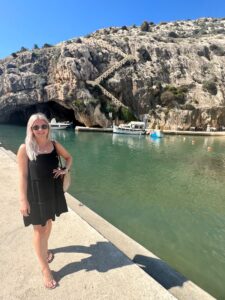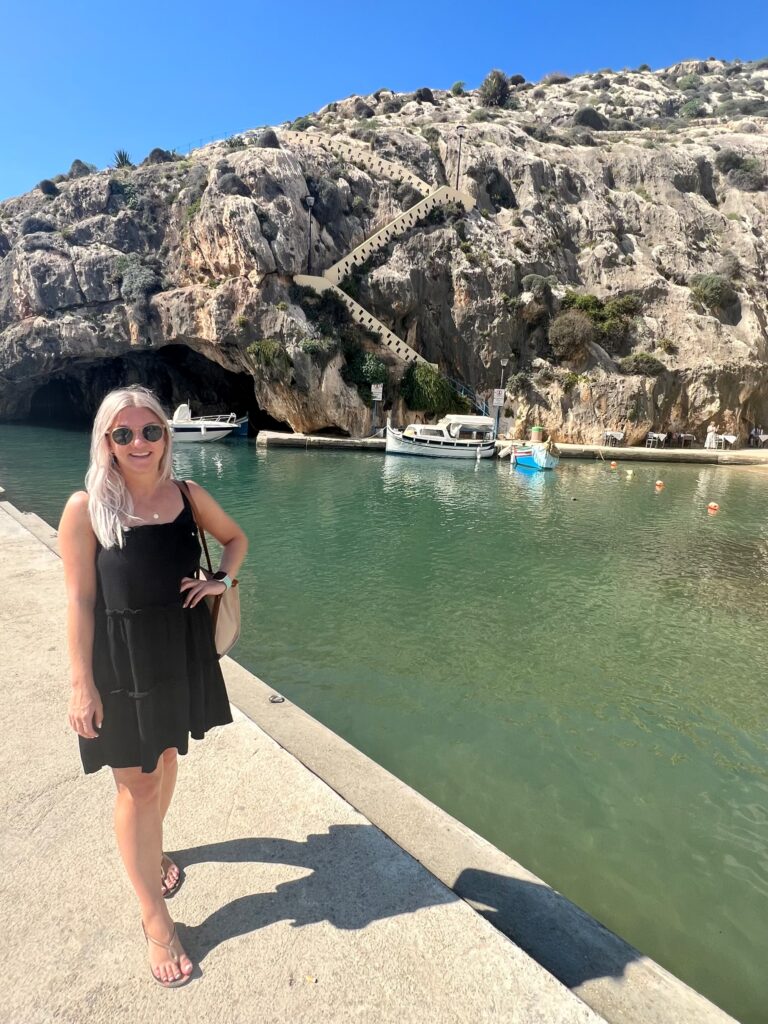
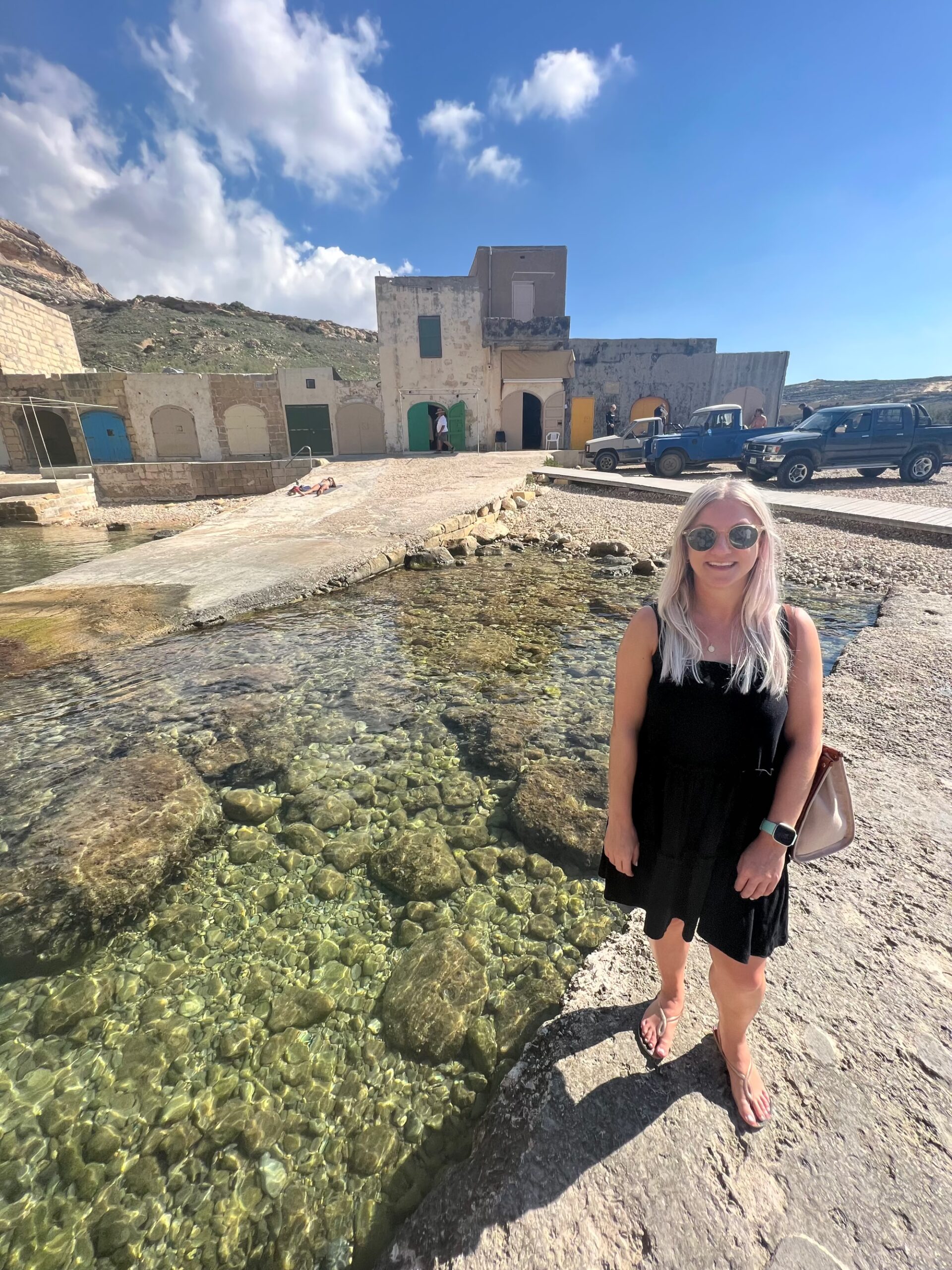
Your travelling digital scrapbook page with its carefully arranged photos, washi tape borders, and little handwritten captions already tells a story on its own, but there’s something genuinely special about watching that page come alive instead of just scrolling past it. Image to video makes that leap possible, turning a flat, lovingly arranged page into a short travel memory reel worth replaying.
| Sponsored post |
In making your travel journey awesome, Dreamina, powered by its advanced Seedance 2.5 video generation model, is well suited to this kind of nostalgic, layered motion. Here’s how to bring a trip scrapbook page gently into motion.
Why motion deepens a scrapbook’s emotional pull
A trip scrapbook page is built from all of your travel moments with small, layered details, torn photo corners, a ribbon tucked under a photo, a sticker slightly overlapping.
Letting these elements shift gently, settle into place, or catch soft light mimics the feeling of actually flipping through a physical memory book, which is exactly what makes the format so emotionally effective in the first place.
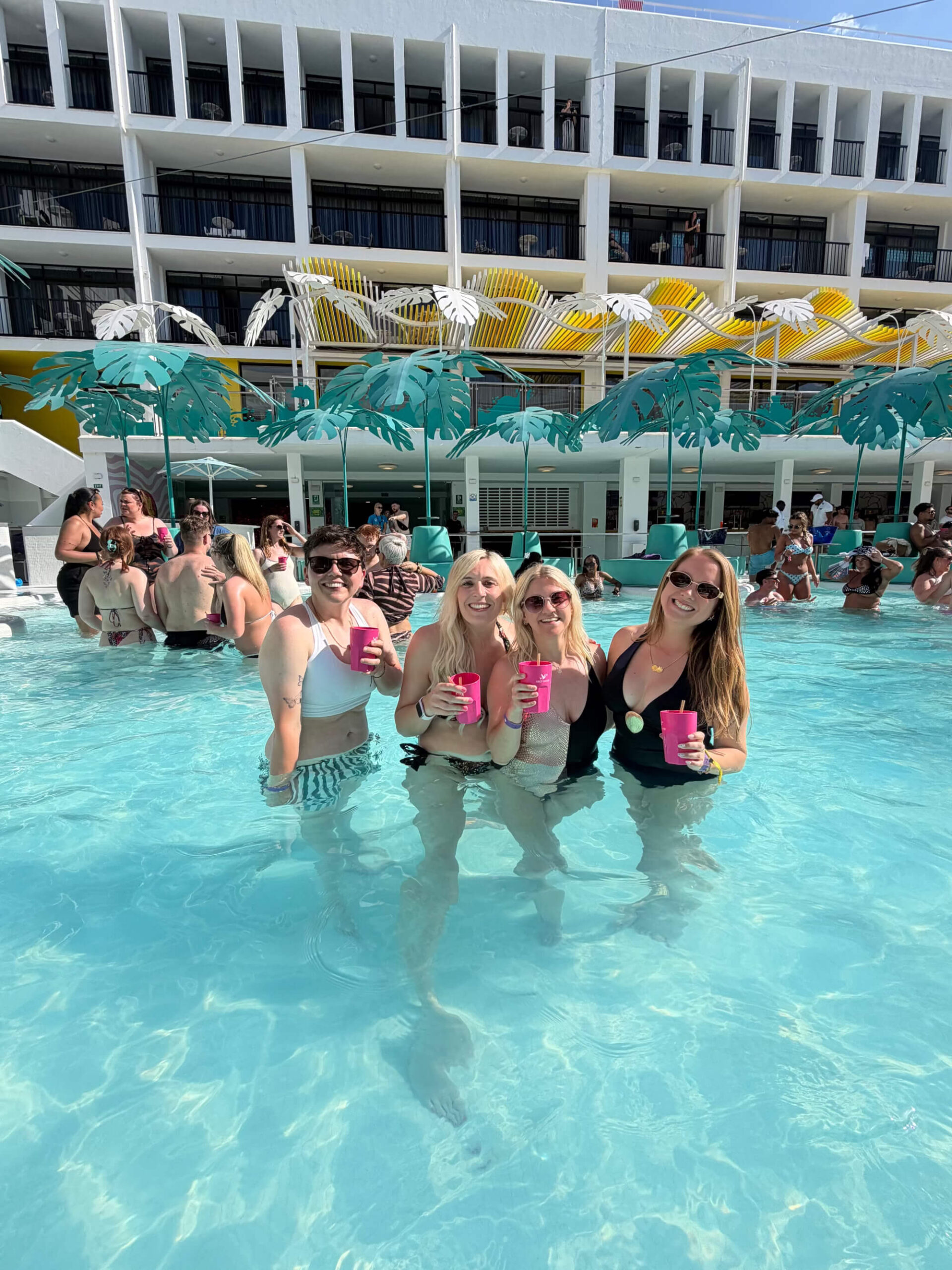
Choosing a page with distinct layered elements
The strongest candidates for this technique already include visible depth and layering:
- Photos arranged with slight overlap and varied angles
- Decorative elements like tape, stickers, or ribbon
- Handwritten text or journaling which adds a personal touch
- A textured background suggesting a real physical surface
Describing gentle, sequential trip motion
Rather than everything moving at once, elements animating one after another, a photo sliding slightly into place, a sticker appearing, then text fading in, recreates the natural rhythm of actually assembling or flipping through a real page.
Your 3-step memory reveal with Dreamina
Step 1: Upload travel reference image and write corresponding trip prompt
Visit Dreamina, sign in, and head to the AI Video section. Click “Add reference image” to upload your scrapbook page, then write a prompt describing how its layered elements should animate.
A strong 30-second sample prompt might read: “Reference the layered polaroid photos, washi tape, and handwritten notes from the uploaded scrapbook page. 0-10 seconds: the main polaroid photo gently settles into place as if just placed down. 11-20 seconds: washi tape smooths across the corner, followed by a small sticker appearing beside it. 21-30 seconds: handwritten text fades in softly, completing the page.”

Describing the elements animating in sequence, rather than all at once, keeps the motion feeling genuinely handcrafted.
Step 2: Generate your travel video
After adding your trip image and prompt, choose the Seedance 2.5 model for generation. Next, choose your video length, then a suitable aspect ratio.
A 16:9 ratio suits a YouTube memory compilation, while 9:16 works well for Instagram Reels and TikTok nostalgic content. Finally, click Dreamina’s icon and wait a few seconds for processing.
Step 3: Enhance & export the video
Polish your clip before saving it using Dreamina’s AI editing tools. Use advanced tools like Upscale for crisp detail that preserves fine paper texture, or Generate soundtrack to add a warm, nostalgic background track.

Finally, export and share it with family or across your personal content channels.
Stitching multiple pages into one longer memory trip film
Once individual pages animate well, sequencing several together in chronological order builds a genuinely cohesive memory film, letting a full event or season unfold page by page rather than staying isolated to a single moment.
How Seedance 2.5 handles this layered, textured motion
Seedance 2.5’s support for complex travelling editing tasks proves genuinely useful here, since a convincing scrapbook animation depends on several distinct elements moving independently and in the right order rather than one blended, generic motion.
Its reduced “AI look” and improved texture rendering also help paper grain, tape, and handwriting feel authentically tactile rather than digitally flat.
Keeping the pacing slow and deliberate
Since this content leans heavily on nostalgia and warmth, favoring slow, gentle motion over anything quick or flashy keeps the reel feeling like a genuine, unhurried trip down memory lane rather than a rushed transition effect.
Adding travel touches to make each memory feel unique
Small trip details can make an animated scrapbook feel more meaningful than a standard photo montage. Include handwritten dates, short captions, ticket stubs, pressed-flower illustrations, or decorative elements that reflect the occasion.
When preparing your page in Dreamina, keep these details visible and well-spaced so they remain recognisable throughout the animation.
You can also guide the mood through your prompt. Warm lighting, subtle paper movement, and gentle transitions can create a cosy feeling for family memories, while brighter colours and playful sticker movements may suit travel journals or birthday celebrations.

These small creative choices help preserve the original scrapbook’s personality while giving the finished video a fresh dimension.
Preserving photos and handwritten details during animation
A scrapbook’s value often lies in the specific memories and words it contains, so keeping its original details recognisable is essential. In your Dreamina prompt, ask for the original photo subjects, handwritten captions, decorative stickers, and overall page layout to remain consistent while only subtle movements are introduced.
Choose restrained effects, such as a gentle camera push-in, a soft shift in lighting, or slight movement around decorative edges. After generation, review the video to check that faces, captions, and important details have not changed unexpectedly.
For longer memory reels, you can combine several short clips during editing to maintain control over transitions and storytelling while keeping the scrapbook’s personal character intact.

Where animated scrapbook reels get genuinely used
This kind of personal, nostalgic content shows up across several meaningful contexts:
- Family memory keepsakes shared during holidays or reunions
- Anniversary and milestone celebration content
- Personal journaling and digital memory-keeping practices
- Social media content for scrapbooking and craft creators
A travel scrapbook page’s quiet, layered charm deserves to be seen in motion, not just scrolled past, and image-to-video makes that kind of gentle animation genuinely achievable from a single well-arranged page.
With Dreamina and its advanced Seedance 2.5 video generation model, your trip memories can shift and settle the way a real page would under careful hands.
Layer your elements with real intention, let the motion unfold slowly, and let Dreamina help your memories feel alive again.